How to use the Valve Clearance tool
Measure, compare and calculate shim sizes — free, in your browser.
MotoFixer's valve clearance tool does the shim maths for you. Enter what your feeler gauge reads, and it tells you which valves are out of spec and what shim each one needs. Follow your bike's service manual for the actual procedure (engine cold, cam lobes facing away from the bucket).
1.Open the tool
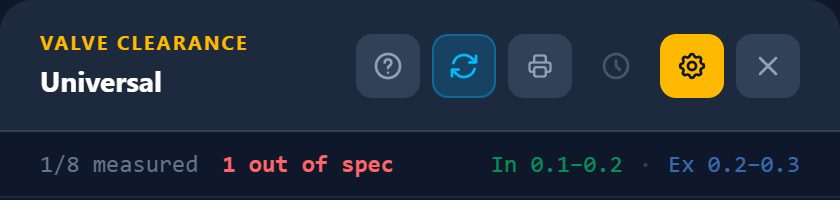
Tap Valve Clearance on the home screen for a universal tool that works with any engine, or open your bike and tap Valve Clearance Tool to launch it for that specific bike. The ? button in the tool's header brings you back to this guide at any time.
2.Understand each setting
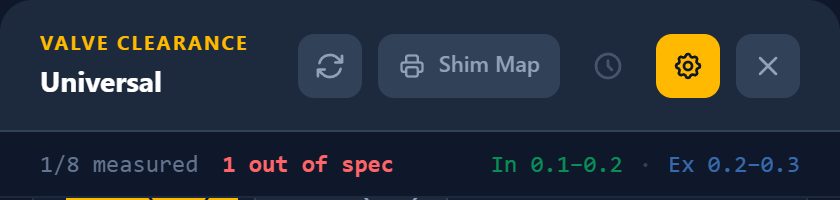
Tap the gear button in the header to open or close Setup. Your choices are remembered on your device. Here is what every setting does:
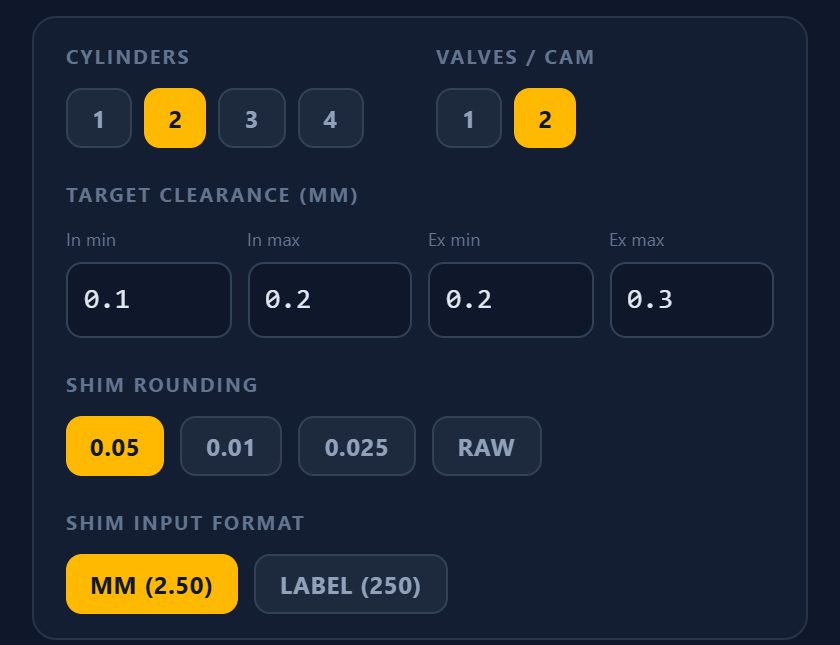
Cylinders (1–4). The number of cylinders on your engine. The diagram draws one cylinder block for each, labelled C1, C2 and so on.
Valves / cam (1 or 2). How many intake valves, and how many exhaust valves, each cylinder has. Choose 2 for a typical four-valve head (valves I1, I2 and E1, E2 per cylinder) or 1 for a two-valve head.
Target clearance (mm). The intake (In min / In max) and exhaust (Ex min / Ex max) clearance range from your service manual. A reading inside the range is in spec. For a valve that is out of spec, the tool aims for the middle of the range when it calculates the new shim.
Shim rounding. The step size of your shim kit: 0.05, 0.025 or 0.01 mm. The tool rounds the calculated shim to this step so you get a size that actually exists. Raw turns rounding off and shows the exact calculated value.
Shim input format. How you type shim sizes. mm (2.50) takes the thickness in millimetres. Label (250) takes the number stamped on the shim, which is the thickness in hundredths of a millimetre. Results are shown in the same format.
3.Skip the settings with Pro
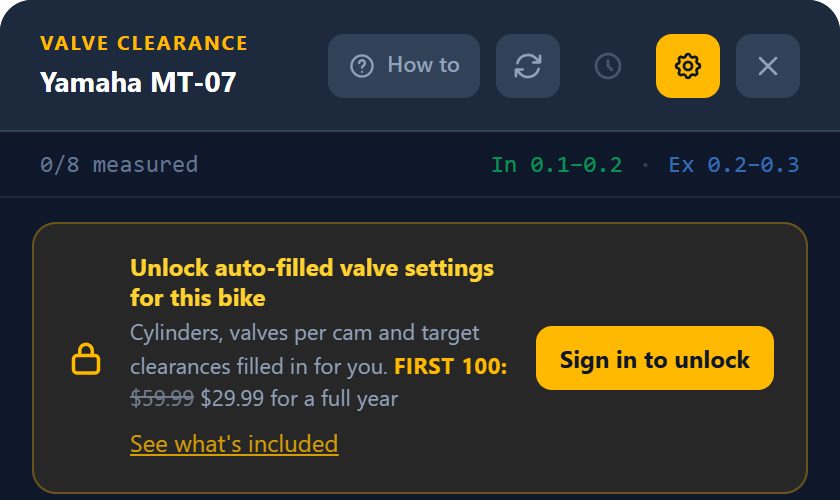
Opened from a bike, the tool can fill in cylinders, valves per cam and the intake and exhaust target clearances for you, straight from that bike's service data — no manual typing, no looking up the spec. Those fields are marked from bike. This auto-fill is included with MotoFixer Pro.
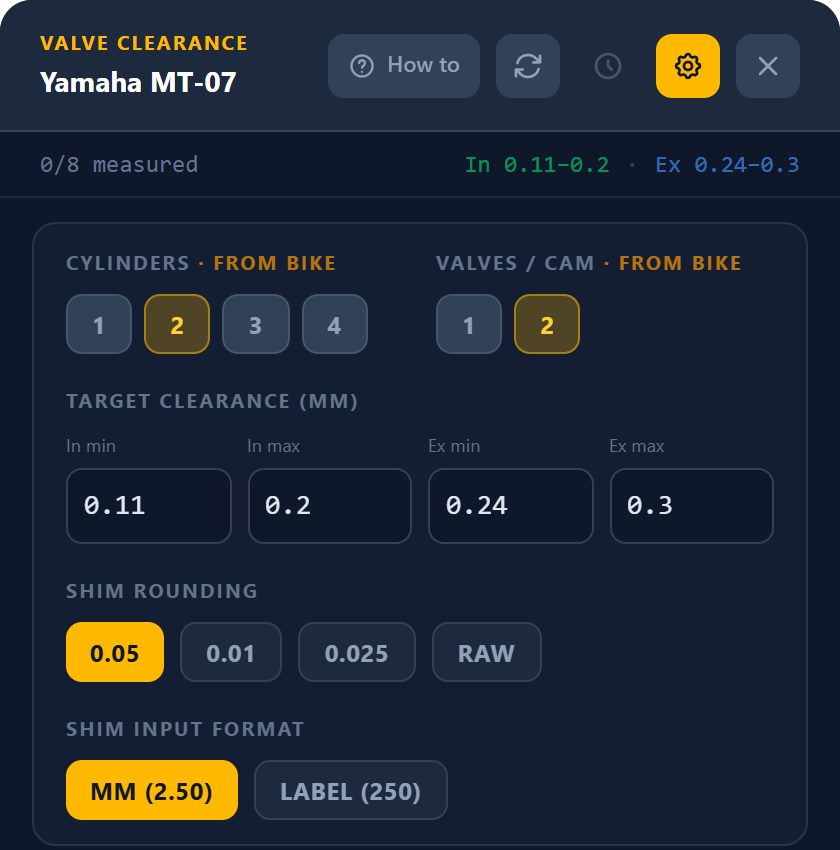
Without Pro, the tool is still fully usable: you simply enter the settings yourself from the service manual.
4.Pick a valve on the diagram
Exhaust valves are at the top of the diagram (blue), intake at the bottom (green). Tap any valve to select it. Valves turn green when they are in spec and red when they are out, so you can see progress at a glance.
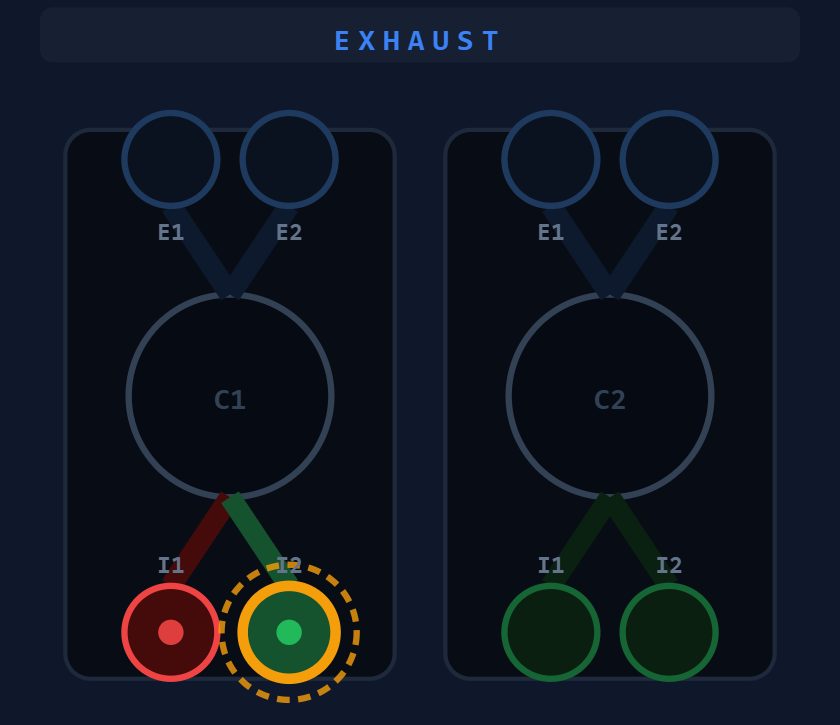
Flip the diagram. The blue circular-arrows button in the header turns the diagram 180°: intake moves to the top, exhaust to the bottom, and cylinder 1 moves to the right-hand side. It only changes how the engine is drawn. Your readings, targets and shim results stay exactly the same, and the tool remembers your choice.
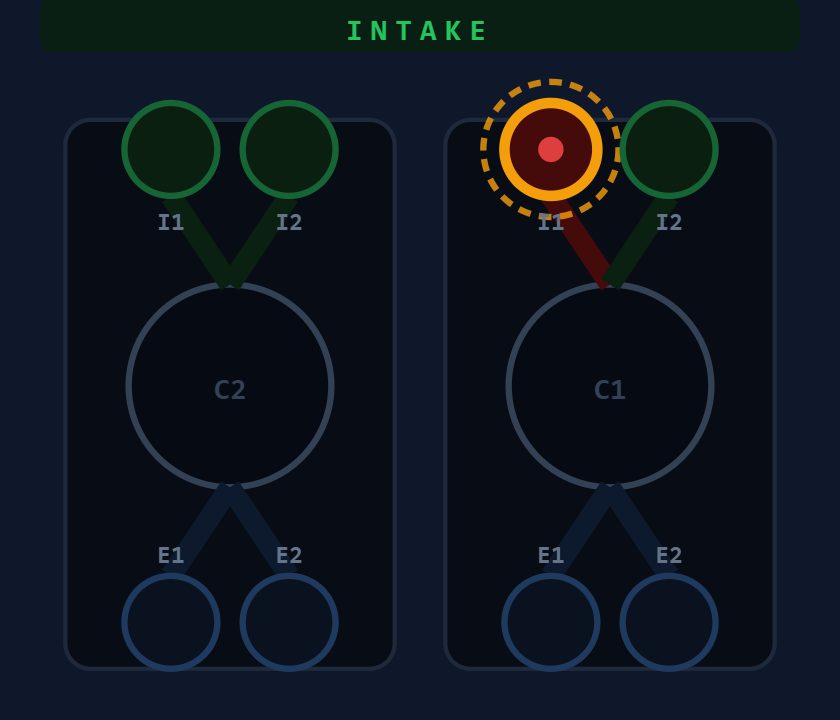
Use it when the engine is out of the bike and on the bench: if you turn it around to work from the other side, flip the diagram too, so the valve you tap on screen is the valve in front of you. Tap it again to switch back.
5.Enter the measured clearance
Type the feeler-gauge reading for the selected valve. If it is inside the target range you'll see In spec. If not, enter the current shim size printed on the shim and the tool shows the required shim right away. Press Enter or Next → to jump to the next valve.
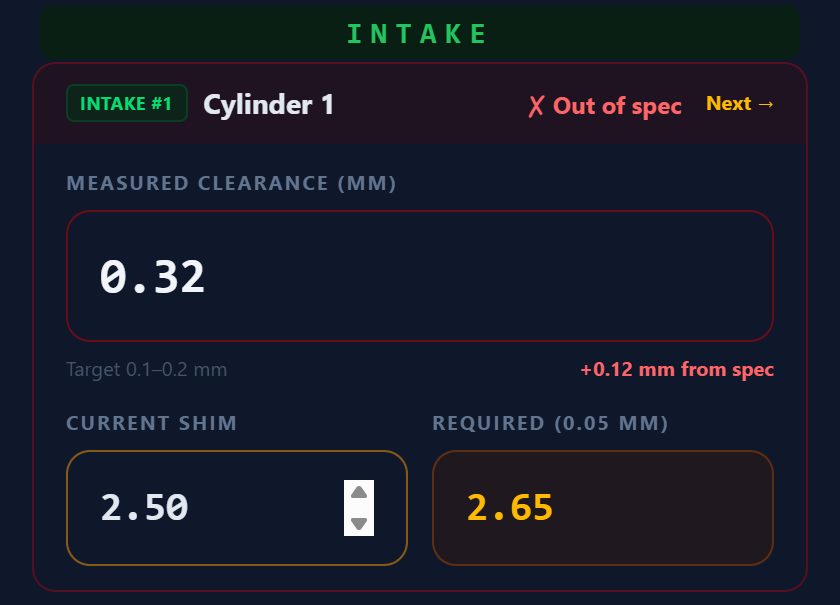
Example: 0.32 mm measured, target 0.10–0.20 mm, current shim 2.50 mm → required shim 2.65 mm.
6.Review the shims you need
Every out-of-spec valve is collected in the Required shims list with the current size, the new size and the clearance you'll end up with. Order or swap shims in one go instead of re-measuring valve by valve.
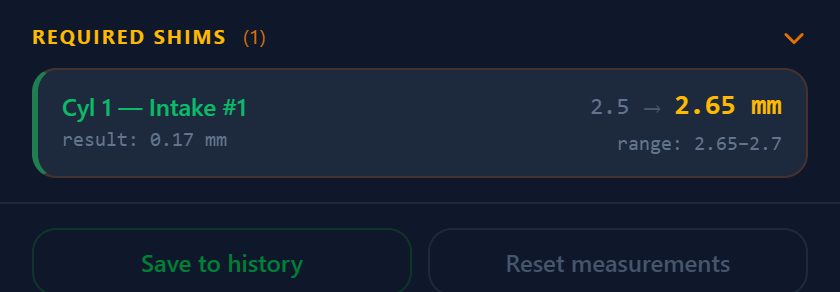
7.Print a shim map and save the session
Tap Shim Map in the header to print a placement template for the bench. When you're done, Save to history keeps the session for next time, and Reset measurements clears the board for another engine.
FAQ
How is the required shim size calculated?
New shim = current shim + (measured clearance − middle of the target range), rounded to your shim increment. Example: 0.32 mm measured, 0.10–0.20 mm target, 2.50 mm shim → 2.65 mm.
Does the tool work for any motorcycle?
Yes. Open it from the home screen for any engine (1–4 cylinders, 1 or 2 valves per cam), or open it from a bike so cylinders, valves per cam and target clearances are filled in for you.
Are my measurements saved?
Your readings are kept on your device while you work. Tap Save to history to keep a finished session, or Reset measurements to start over.
What if the calculated shim size does not exist?
Shims come in fixed steps, so choose the nearest available size that keeps the clearance inside the target range. Change Shim rounding in setup to match your shim kit (0.05, 0.025, 0.01 mm).